
Best price
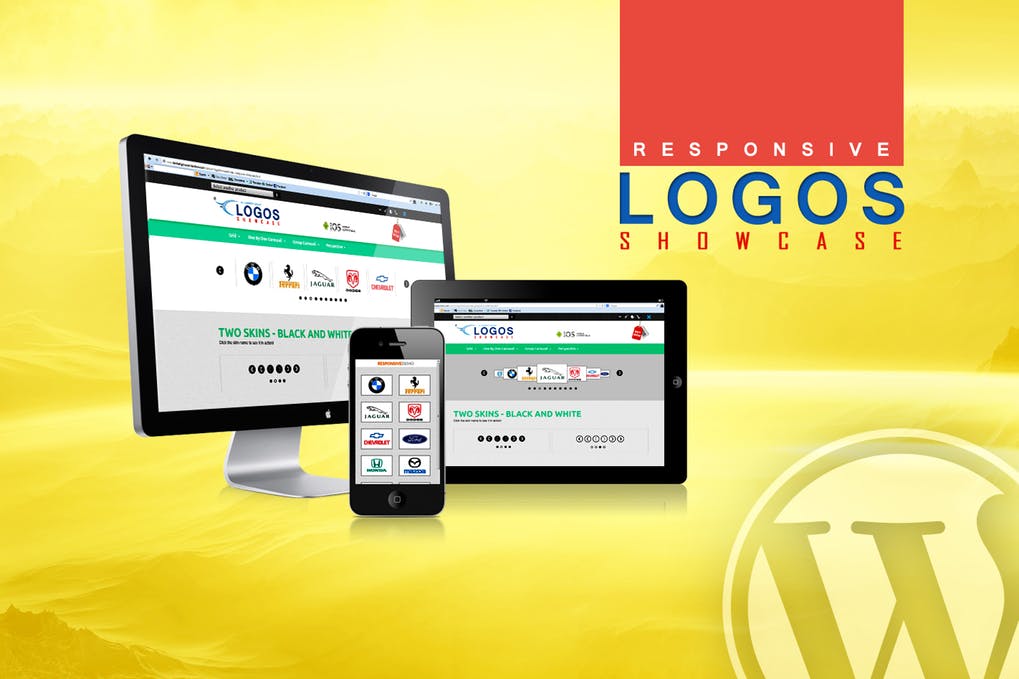
WordPress Logos Showcase – Grid and Carousel
- Original file and Document File include
- you received update file life times from us
- Use On Unlimited Site
- Standard Support From Our Experts
- You’ll Receive Untouched And Unmodified Files

$4.00
Logos Showcase WordPress plugin contains 4 versions: Grid, Carousel (one by one), Carousel (Group) and Perspective. The last 3 versions have 2 skins: black & white. It allows you to easily display on your website: logos, clients, partners, sponsors, brands, portfolio items… you name it
 GRID
GRID

Features
- touch screen navigation support for mobile
- responsive design – available parameter to disable responsive behaviour
- tooltip – available parameter to activate/deactivate the tooltip.
- border – you can set the border size and border color for active and inactive image.
- grayscale – available parameter to activate/deactivate the grayscale.
- external url link parameter for each image
- target parameter: _blank or _self
- multiple parameters from where you can customize the plugin.
- you can insert multiple instances in the same page.
- detailed help documentation included.
CAROUSEL
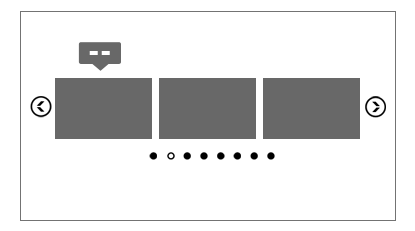
Features
- touch screen navigation support for mobile
- responsive design – available parameter to disable responsive behaviour
- tooltip – available parameter to activate/deactivate the tooltip.
- border – you can set the border size and border color for active and inactive image.
- grayscale – available parameter to activate/deactivate the grayscale.
- auto-play – you can define the time (in seconds) until the auto scroll will take place. If you set it 0 the plugin will not auto play.
- external url link parameter for each image
- target parameter: _blank or _self
- multiple parameters from where you can customize the plugin.
- you can insert multiple instances in the same page with the same skin or using a different skin.
- detailed help documentation included.
PERSPECTIVE (and ONE BY ONE CAROUSEL)
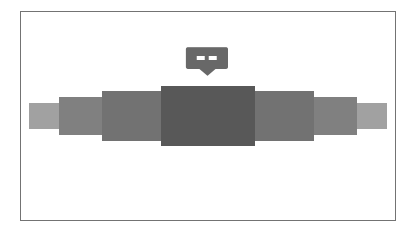
Features
- touch screen navigation support for mobile
- responsive design – available parameter to disable responsive behaviour
- tooltip – available parameter to activate/deactivate the tooltip.
- border – you can set the border size and border color for active and inactive image.
- grayscale – available parameter to activate/deactivate the grayscale.
- auto-play – you can define the time (in seconds) until the auto scroll will take place. If you set it 0 the plugin will not auto play.
- external url link parameter for each image
- target parameter: _blank or _self
- multiple parameters from where you can customize the plugin.
- you can insert multiple instances in the same page with the same skin or using a different skin.
- detailed help documentation included.
NOTE: grayscale will not work on IE10 & IE11 due to IE restriction. It will work on IE9.
Keywords: carousel, client, clients, grid, wordpress, logos, logo, partners, responsive, showcase, sponsor, sponsors, perspective, portfolio, plugin